 Magic Muscle Fit
Strength workouts built for you.
AI builds each workout around your time, equipment and how you feel today, then picks your sets, reps and weights from your training history.
- Works on
- Your phone's browser
- Plans
- Safety-checked
- Access
- Invite-only beta
Check-in
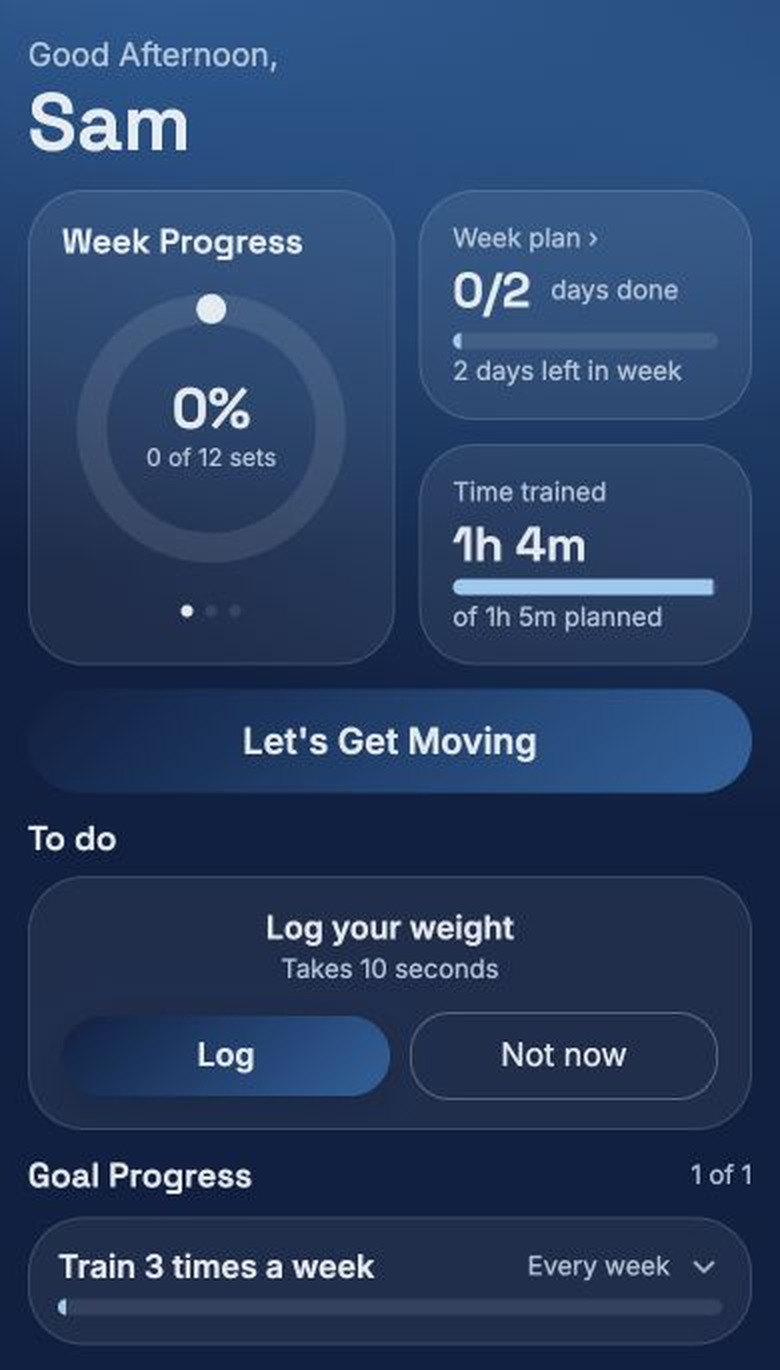
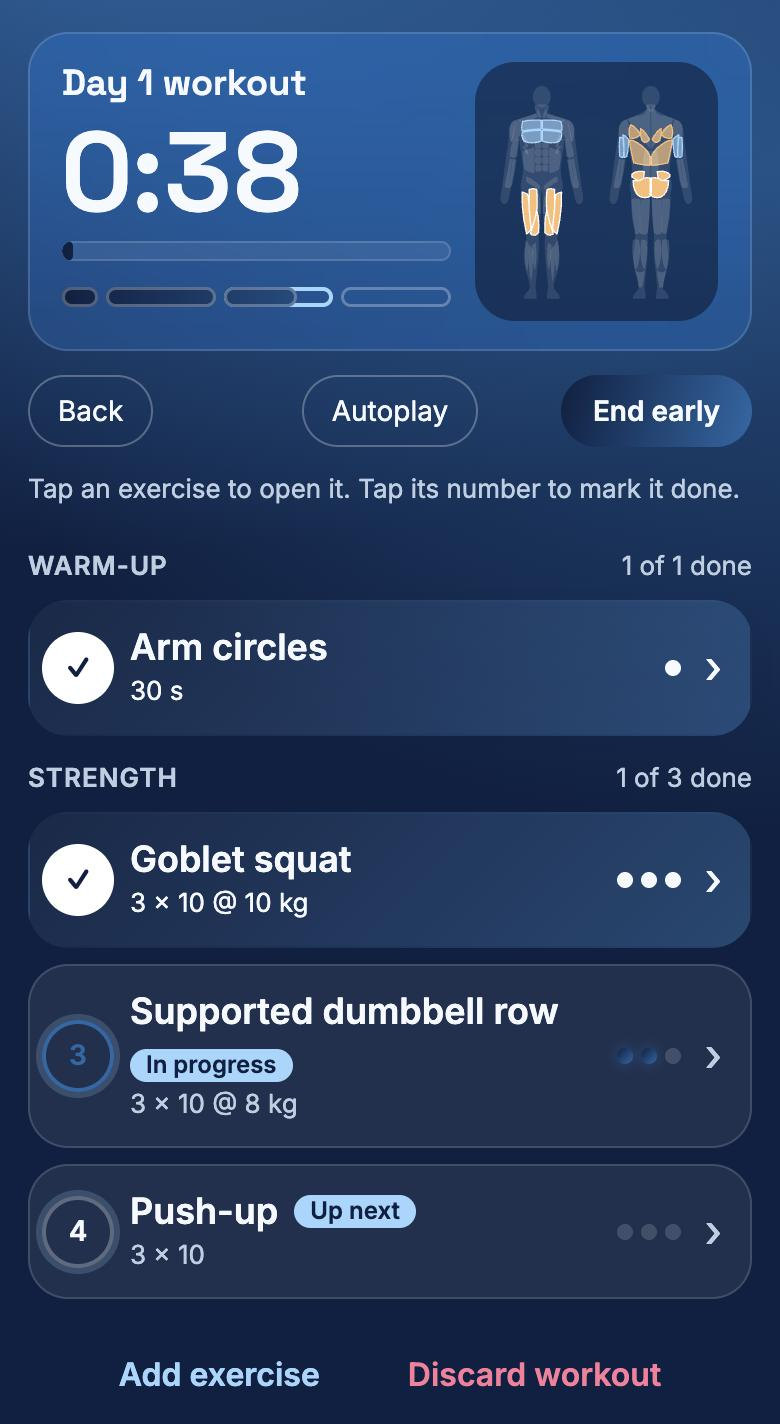
Workout check-in, built around your day.
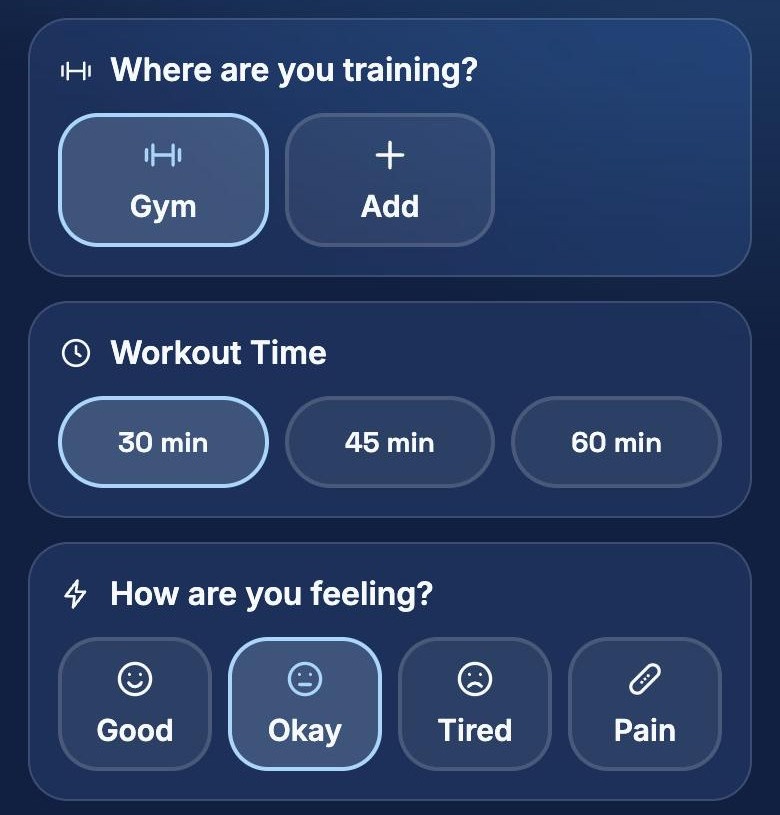
Tell the app where you are, how long you have and how you feel. The coach builds the workout, or you pick the exercises yourself.
- Where you train
Pick your gym or home setup. Workouts only use equipment you have.
- How long you have
30, 45 or 60 minutes. The workout fits the time.
- How you feel
Good, okay, tired or in pain. The plan adapts to it.
Plans
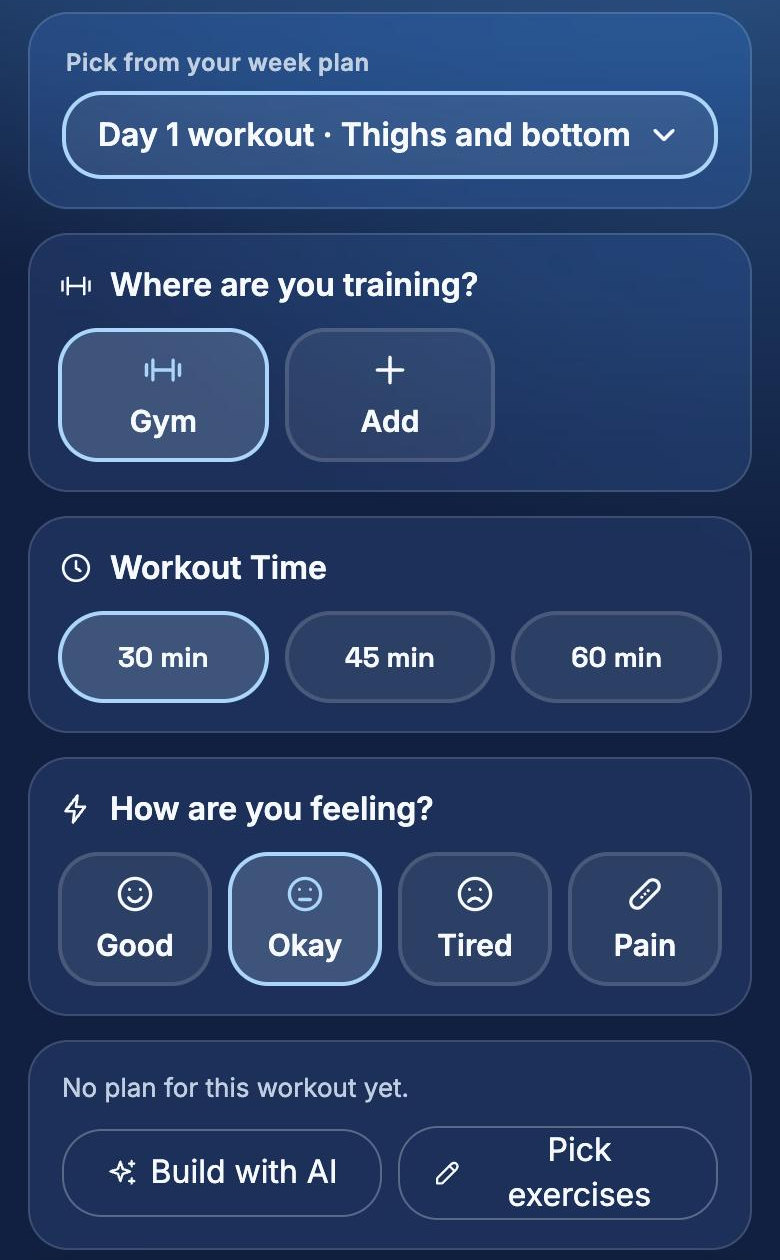
Weekly and daily plans, drafted by AI.
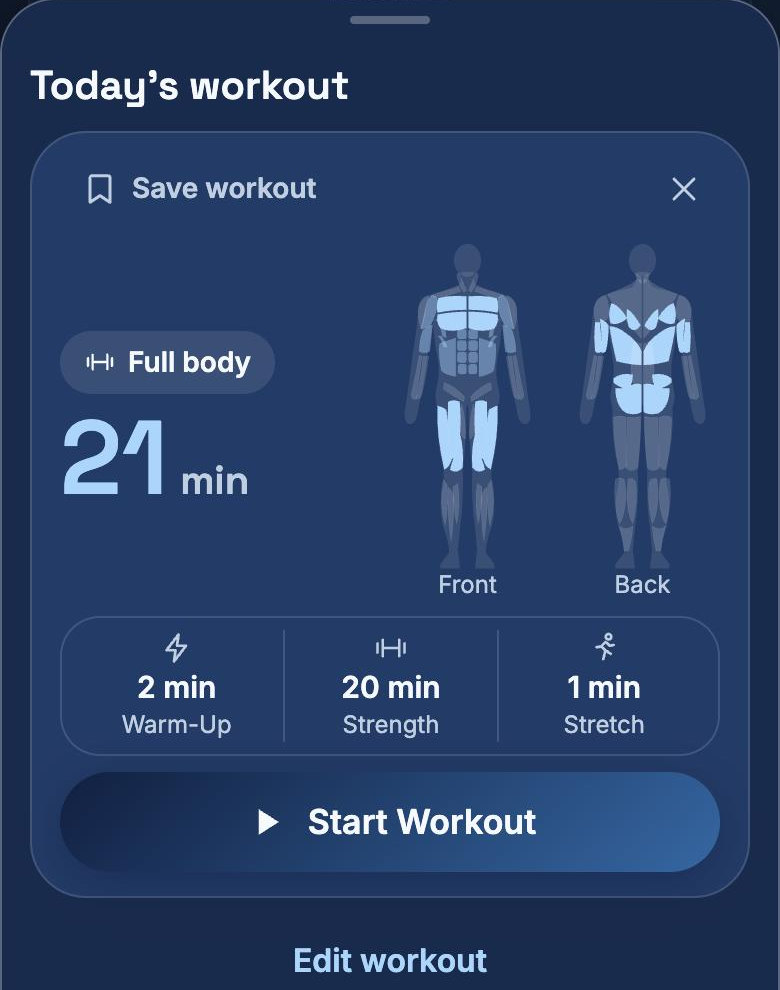
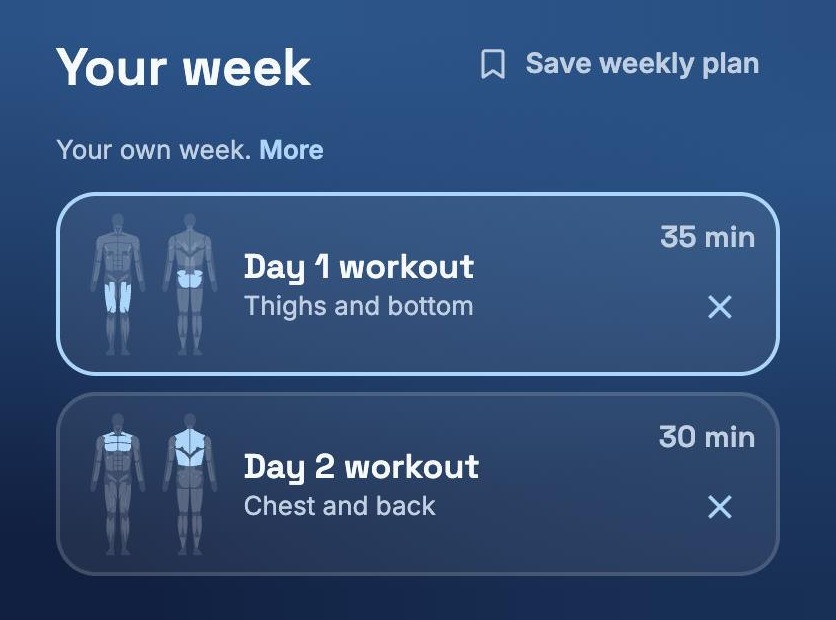
The AI drafts a few sessions for your week, then builds each day's workout from your time, equipment and mood. You see what each one trains and choose the one that fits today.
- Plan the week with AI
Tell it your time and equipment, then give feedback until the week fits.
- A workout built for the day
Pick a session and the AI builds that day's exercises, sets and weights. Change your mind and it plans again.
- Build it yourself, or save a week
Pick your own exercises any day, or keep a week you like and start it again with no questions. The same safety check still applies.
Exercise form
Exercise form for every workout.
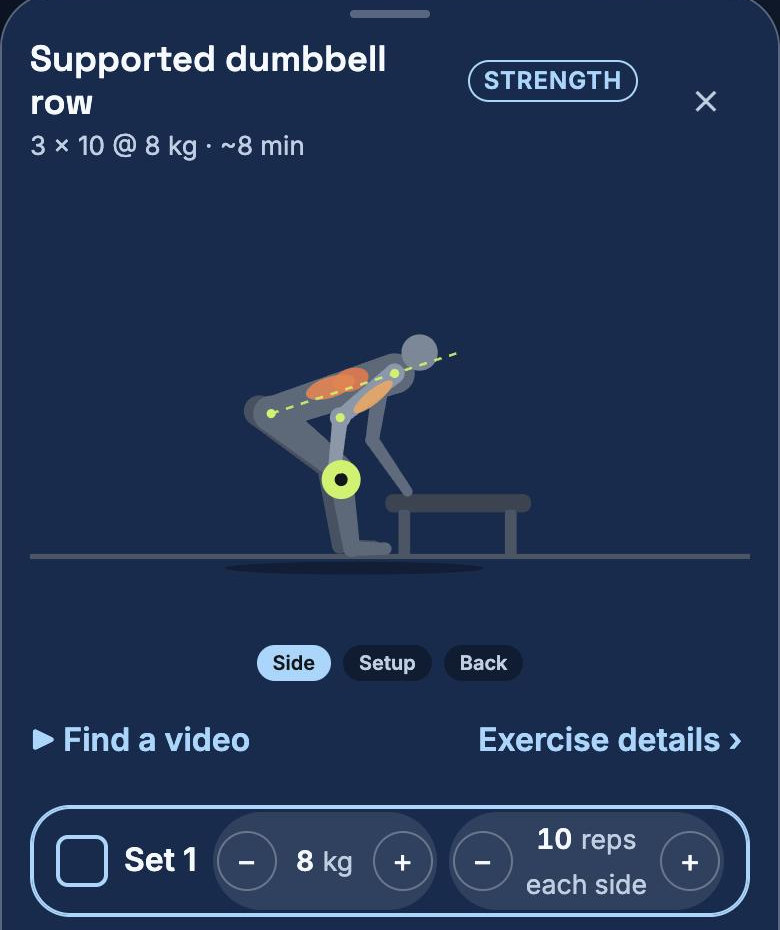
See how each exercise should move before you lift, in the app's own high-quality animation of correct form. Or link your own reference video from YouTube and use it during your workout.
- Animated correct form
Swipe between Side, Setup and Back. Every animation is drawn for this app.
- Your own reference video
 Paste a YouTube link for any exercise. It stays with that exercise, ready to open during your workout.
- Log as you go
Set the weight and reps, then tap Easy, Perfect or Hard. It works offline.
Goals
Workout goals, in milestones.
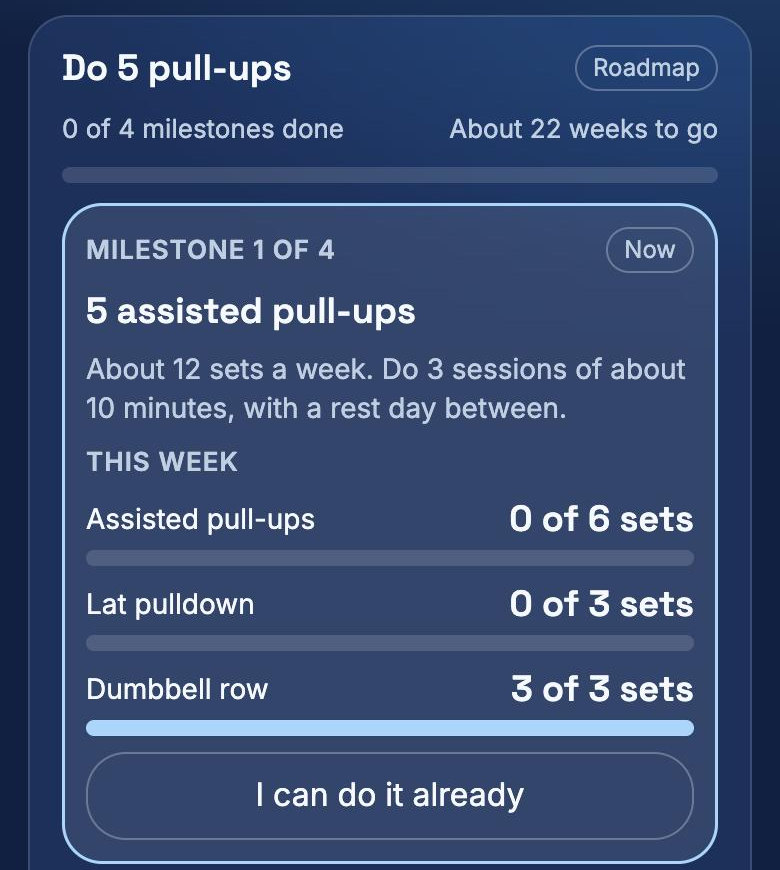
Break a big goal like five pull-ups into steps you can check off as you train. Your goals shape every plan you make.
- A roadmap from your coach
A goal like five pull-ups becomes four milestones, starting with five assisted pull-ups.
- You confirm each step
A milestone counts only when you say you reached it.
- Built into every plan
Your goals shape your weekly and daily plans. The AI makes room for each goal's weekly practice, and weekly goals start fresh every Sunday.
Progress
Workout progress, week by week.
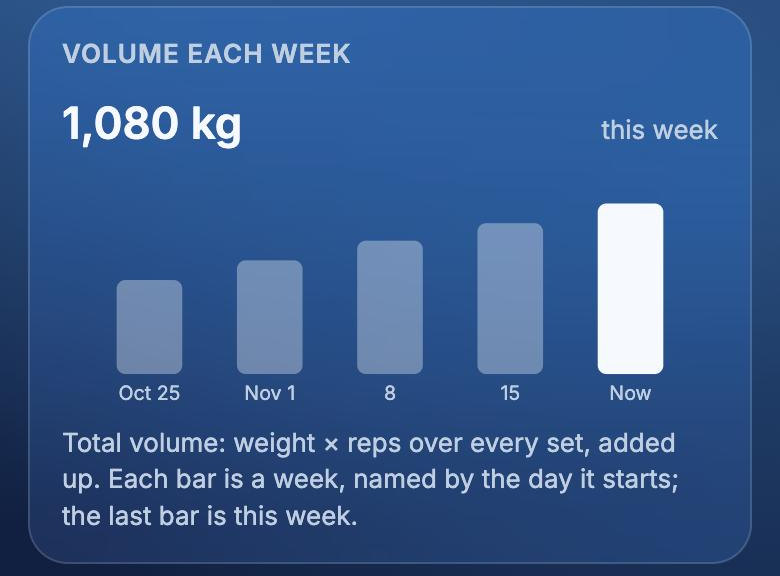
Your volume each week, your best lifts and how they change as you log workouts.
- Volume each week
Weight times reps over every set, one bar a week.
- Best lifts
Your heaviest set for each exercise, and how it changes as you log workouts.
- Your units
Pounds or kilograms, feet or centimetres: the whole app follows.
AI apps
AI apps: train with ChatGPT or Claude.
Connect your AI app and it works from your real plan, history and equipment. Talk to it by voice, in the language you speak, and it guides you through the workout like a personal trainer.
Try saying:
- Guided, set by set
“Start my workout and guide me.” Ask what is next, log a set with your voice or change a weight as you go.
- In your own language
Speak Hindi, Spanish, Tamil or any language your AI app knows. It answers in the same one.
- Fixes on the spot
“The chest press machine is busy. What can I do instead?” It swaps in a safe option and keeps your sets.
After connecting, switch it on in Me, then AI apps. Voice comes from your AI app, so use its voice mode.